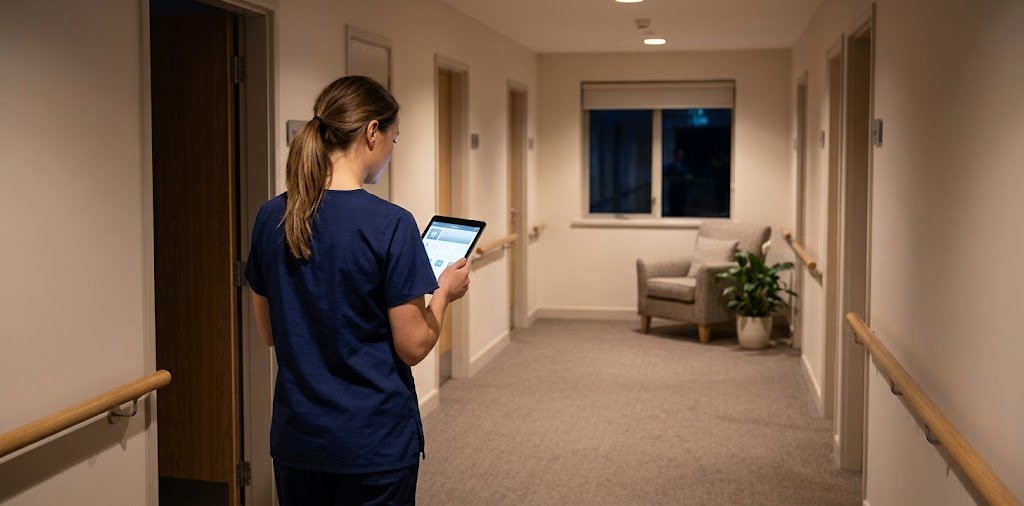
Picture a nursing home at 3 a.m. A nurse notices that a resident is breathing a little harder than usual. She needs recent vitals, the current medication list, and a way to reach the on-call doctor. Fast. If those details live in a paper binder, a filing cabinet, and someone’s memory, that’s a lot of hunting.
That kind of moment is why software like PointClickCare exists. So, what is PointClickCare, who uses it, and does it actually help? Let’s break it down.
What Is PointClickCare?
PointClickCare is a cloud-based healthcare software platform built mainly for long-term and post-acute care. In plain terms, it’s a digital system where care teams keep resident records, document daily care, manage medications, and handle billing. The company is headquartered in Ontario, Canada, and its products are used mostly in North America.
Two things are worth stating clearly. First, it’s software, not a medical provider. It doesn’t treat anyone, and it doesn’t replace nurses or doctors. Second, “PointClickCare” isn’t one single tool. It’s a family of products, and what a facility actually gets depends on what it subscribes to.
Who Uses PointClickCare?

The platform is most closely tied to skilled nursing facilities, often called nursing homes. These places look after residents who need daily help, medication management, rehabilitation, or regular clinical monitoring.
Senior living communities also use it to organize resident information and coordinate services. So do post-acute providers, which care for people recovering after a hospital stay, and some home health organizations. Administrators and billing staff use it too, since the same system handles operational reporting and claims.
Residents and families usually don’t use the clinical side directly. Whether they get any access depends on the facility and the products it has chosen, so asking the provider is the right move.
How PointClickCare Works
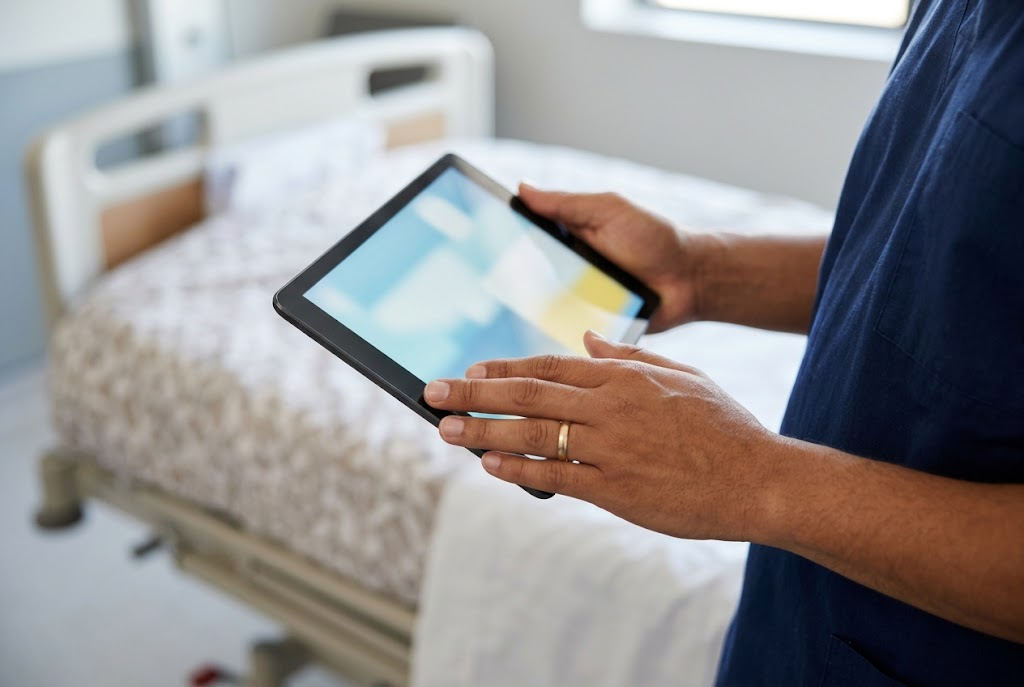
At its center is an electronic health record (EHR). When a resident is admitted, their information goes into the system: diagnoses, allergies, medications, care needs, and assessments. From there, staff document care as it happens, often on a tablet or handheld device at the bedside, instead of typing everything up at the end of a long shift.
Because it’s cloud-based, the software runs through a web browser or app and is maintained by the vendor. Facilities don’t have to run their own servers for it, which is a big shift from older on-premise systems.
Access is role-based. A nurse sees tasks and medication lists, while a billing manager sees claims and account information. Nobody needs to see everything, and a well-configured system reflects that.
Key Features
Features vary by product and subscription, but these are the ones people most often mention.
Electronic health records and care plans. Staff can store assessments, notes, and care plans in one place. Care plans spell out goals and interventions for each resident, and digital versions are easier to update as needs change.
Electronic medication administration (eMAR). This replaces paper medication sheets. Many systems support barcode scanning, which helps staff check the right resident, drug, and dose before giving a medication. Scanning supports good practice, but it doesn’t replace professional judgment or facility policy.
Billing and revenue cycle tools. Long-term care billing is complicated, with Medicare, Medicaid, and private payers all involved. Built-in billing tools help organizations manage claims and resident accounts without moving data between disconnected programs.
Data sharing with hospitals and other providers. When a resident moves between a hospital and a care facility, information has to travel with them. The platform includes interoperability tools meant to make those handoffs smoother, though results depend on the other organization’s systems as well.
Reporting and analytics. Managers can pull reports to spot trends, review documentation, and prepare for internal audits.
AI-assisted tools. The company has been adding AI features, such as help with drafting clinical notes. Availability changes, and any AI-generated note should be reviewed by a qualified person, so a facility should confirm what’s currently offered before counting on it.
Benefits for Care Teams

Used well, a platform like this can make daily work easier in a few ways.
Records become more organized. Instead of searching through folders, authorized staff can find information quickly and see a clearer history of care. That matters most in facilities where many people contribute to one resident’s care.
Routine tasks can get lighter. Digital workflows may cut down on repeated data entry. How much time that really saves depends on the facility’s setup, training, and habits, so it’s wise to be skeptical of any promise of exact hours saved.
Coordination improves when information is shared accurately. Nurses, physicians, therapists, and administrators can work from the same record, as long as entries are correct and timely.
Compliance becomes easier to document. Audit trails and structured assessments help organizations show what was done and when. But software doesn’t make a facility compliant by itself. Policies, training, and regular reviews still do that work.
A Quick Comparison: Paper, Legacy Systems, and Cloud Platforms
| Approach | Strengths | Challenges |
|---|---|---|
| Paper records | Familiar, no tech needed | Hard to search, easy to misplace, slow to share |
| Older on-premise systems | Local control | Manual updates, server upkeep, limited mobile use |
| Cloud-based platforms | Updates handled by vendor, access from approved devices | Needs reliable internet, training, and good security habits |
No option is perfect. Cloud tools solve some problems and create others, mainly around connectivity and staff adoption.
PointClickCare Login: What to Know
A lot of people searching for the PointClickCare login are staff members who just need to get into their account. A few safe habits apply.
Always use the sign-in route your employer gives you. Login steps differ between organizations and products, so follow your facility’s instructions instead of searching for random pages. Fake login pages are a common way for scammers to steal credentials, and healthcare accounts hold sensitive data.
If you can’t get in, check your username and password carefully, use your organization’s approved reset process, and contact your administrator or IT team if the problem continues. Never share a password or verification code with anyone, even someone claiming to be support.
Residents and family members who are looking for a login should ask the facility directly, since many accounts are only for staff.
Is PointClickCare Secure?

Healthcare data is among the most sensitive information there is, so security matters. Good protection usually combines several layers: access controls, strong authentication, encryption, staff training, and a plan for handling incidents.
In the United States, health information is also protected by privacy rules such as HIPAA. You can read the official overview on the HHS HIPAA . One caution: a vendor having security features isn’t the same as a facility being compliant. The facility’s own practices matter just as much. That means reviewing the vendor’s current security documentation, signing the right agreements, limiting access to people who need it, and training staff not to share information through unapproved channels.
How Training Usually Works
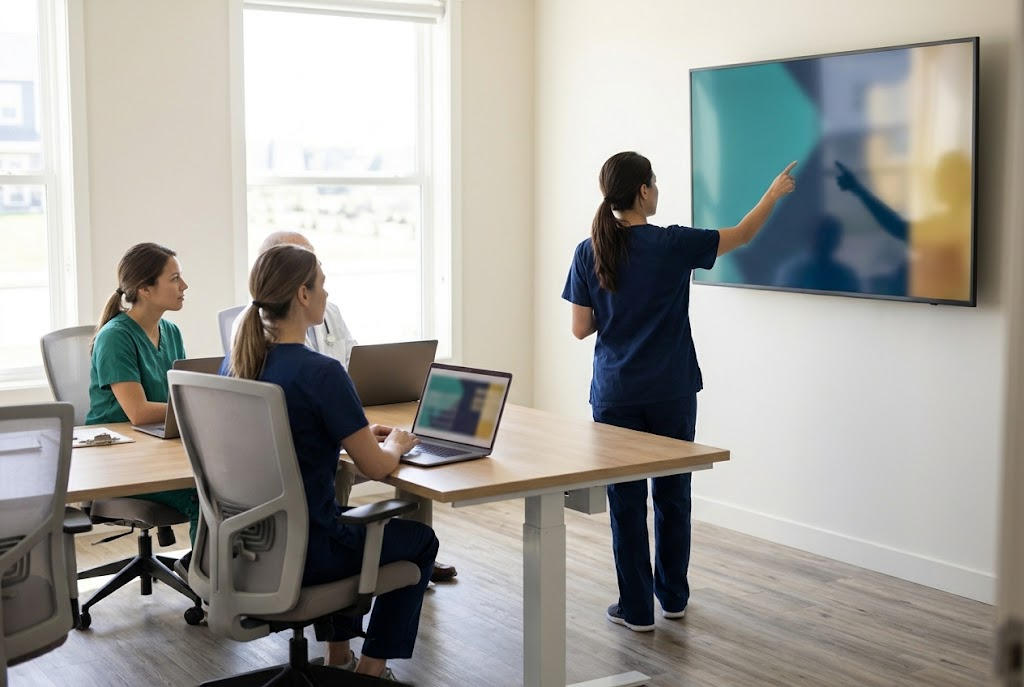
Introducing new software into a busy care setting can feel disruptive, so training is a big part of success. Facilities usually plan it in stages.
Staff often start with basic navigation, learning how to find a resident and open a chart. Next comes role-specific practice: nurses rehearse medication passes, while billing staff work through claims. Finally, many teams run supervised practice sessions with experienced colleagues before using the system in live situations.
How hard the software is to learn depends on the person. Someone who has used an EHR before may pick it up quickly, while a new hire may need more time. Also, learning one module doesn’t mean knowing all of them.
What Facilities Should Think About Before Choosing It
Comparing feature lists isn’t enough. Before committing, a facility might ask a few practical questions.
- Which problems are we actually trying to solve: documentation, billing, medication workflows, hospital handoffs?
- Which modules will we need, and what will each one cost, including setup and support?
- Can it work with the other systems we already use, such as pharmacies and labs?
- How will we train new and existing staff, and for how long?
- What do the security terms and contracts say, and who is responsible for what?
- Can our staff try the everyday workflows before we decide?
Talking to other facilities of a similar size can also give a more honest picture than a sales presentation.
Frequently Asked Questions
What is PointClickCare mainly used for?
It’s used mainly by long-term and post-acute care organizations for electronic health records, clinical documentation, medication management, billing, and care coordination.
Is PointClickCare only for nursing homes?
No. Nursing homes are the best-known users, but senior living communities, post-acute providers, and some home health organizations use it too.
Is PointClickCare a medical provider?
No. It’s a software company. Doctors, nurses, and other qualified professionals remain responsible for care and clinical decisions.
Can residents or families use it?
That depends on the facility and the products it uses. Many features are for staff only, so ask the provider about any available access.
How do I access my PointClickCare account?
Use the official instructions from your employer or organization. If you can’t sign in, contact your administrator or IT support, and avoid third-party login pages.
Final Thoughts
PointClickCare is a cloud-based platform that helps long-term and post-acute care providers manage records, medications, billing, and communication in one place. Its real value depends on how the products are chosen, how staff are trained, and how carefully the facility handles data.
If you’re weighing a system like this, start with your daily pain points and test the tools against them. Technology can make care more organized, but good care still comes from skilled people paying attention to each resident. For more simple, practical guides, take a look at PraviCeler.



Leave a Reply